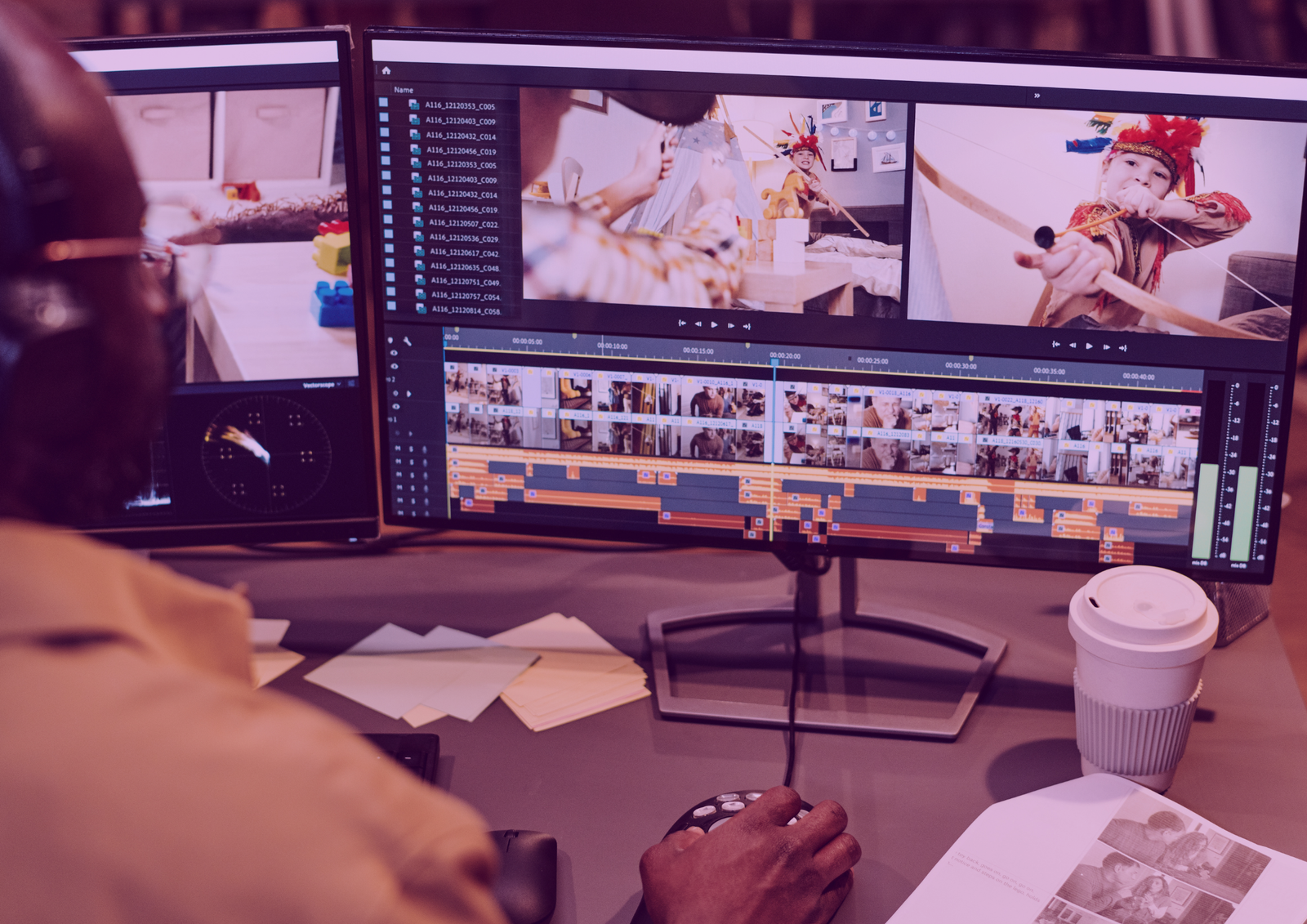
Editing Holds Attention By Removing Slow Parts
To do it, start by trimming dead space, long pauses, stutters, and repeated lines so the video moves fast. Keep only the strongest clips that add value, emotion, or clarity, and cut anything that feels like “waiting.” Make your cuts right after each sentence or on the beat of the music so the pacing feels natural and smooth. If a clip doesn’t help the viewer understand your point, remove it. Aim for a tight rhythm where every second earns its spot.

Editing Clarifies Your Message With Flow
To do it, organize your clips in a simple structure: hook first (1–2 seconds), then 2–3 key points, then a clear call-to-action. Use on-screen text to label the hook and highlight the key words so viewers understand even without sound. Keep each section short and focused, and match your captions to what you’re saying so nothing feels confusing. Add quick visual cues like cutaways, examples, or screen text to support your message.
Editing Builds Trust Through Consistent Style
To do it, use the same look every time so your content feels branded and professional. Keep your fonts, text placement, caption style, and color feel consistent across all videos so people recognize you quickly. Clean up audio by lowering music, boosting voice, and removing harsh background noise so it’s easy to listen to. Use a simple, readable cover frame that matches your style and makes your topic clear at a glance. Export in 1080x1920 so it stays sharp on mobile, and keep your final edit polished enough that it looks ready-to-post the moment it’s delivered.